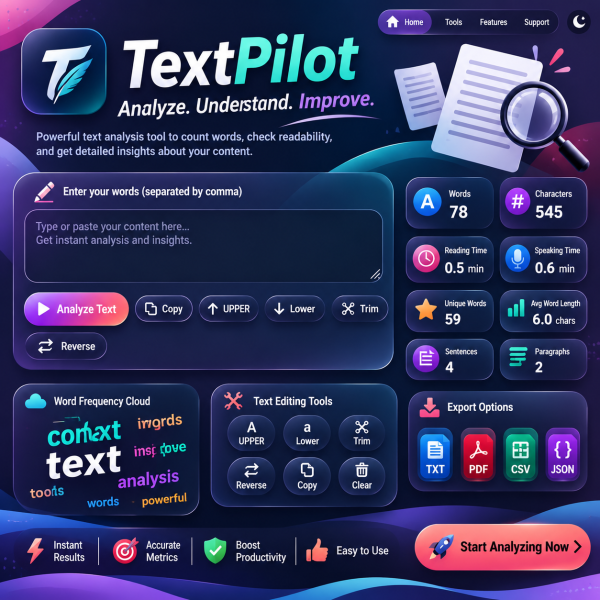
Use this Word Counter Tool to count words, characters, sentences and paragraphs instantly. TextPilot also provides reading time, speaking time, unique word count, average word length, a word frequency cloud, text editing tools and TXT, PDF, CSV and JSON export options.
Need a simple way to count words, check characters and analyze written content? Word Counter Tool – TextPilot brings essential text statistics and editing features together in one convenient browser-based application. Type or paste your content into the text editor and instantly view important information about your writing.
Whether you are a student preparing an assignment, a blogger writing an article, a content creator preparing scripts or an SEO professional reviewing website content, this online word counter helps you understand your text without manually counting every word or character.
Online Word Counter with Live Statistics
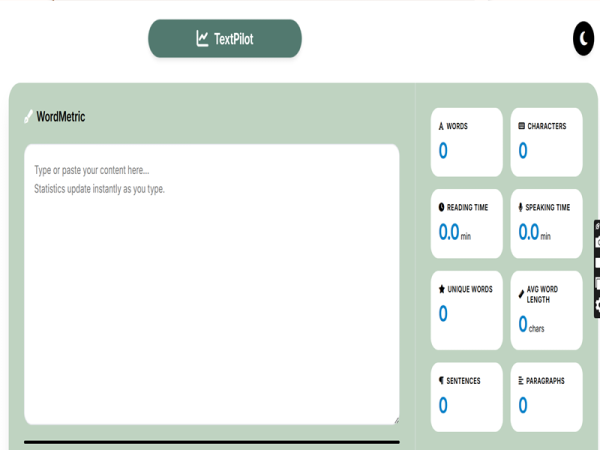
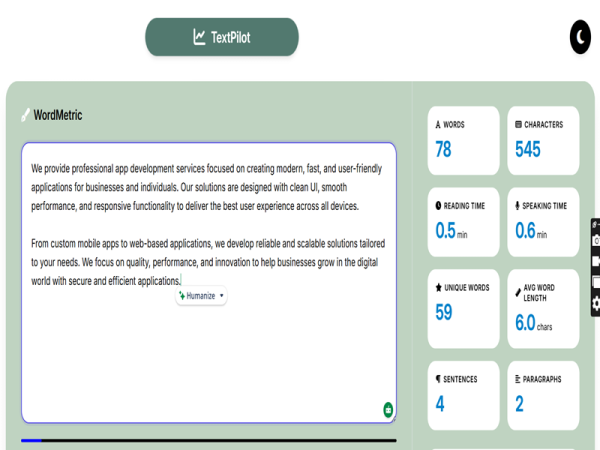
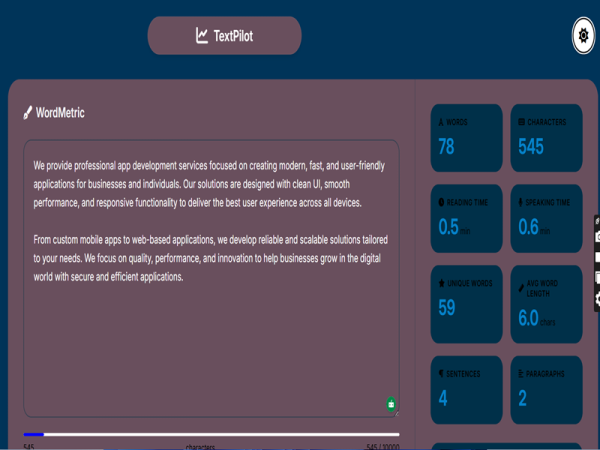
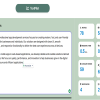
This Word Counter Tool automatically analyzes your content as you type or paste it into the editor. Its statistics panel displays useful information in real time, helping you monitor your writing and understand its structure.
The application displays:
Word Count: Instantly calculates the total number of words.
Character Count: Shows the total number of characters.
Reading Time: Estimates how long the content may take to read.
Speaking Time: Provides an estimated speaking duration.
Unique Words: Counts the different words used in your content.
Average Word Length: Displays the average word length in characters.
Sentence Count: Calculates the number of sentences.
Paragraph Count: Displays the total number of paragraphs.
Word Count Tool for Students and Writers
Use the online word counter when preparing essays, assignments, reports, articles, blog posts and other written content. The live statistics help you monitor your progress and make changes whenever necessary.
Character Counter and Text Length Checker
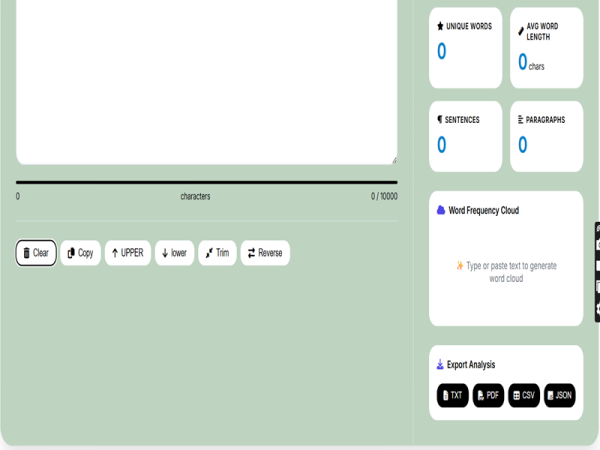
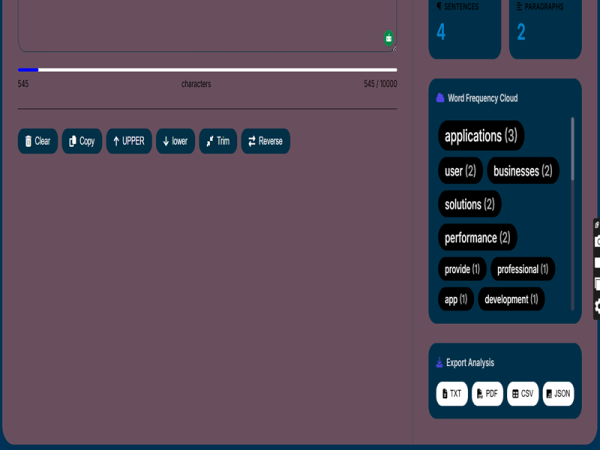
TextPilot also works as an online Character Counter, allowing you to check the length of your written content. The character progress indicator displays how many characters you have entered and tracks usage against the application’s 10,000-character limit.
This feature can be useful when preparing social media captions, website descriptions, short messages, article introductions and other content with character restrictions.
Check Word and Character Count Instantly
Simply enter or paste your text into the editor. The word count and character count update automatically, making it easy to check your content without using separate counting tools.
Text Analyzer with Word Frequency Cloud
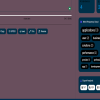
The built-in Text Analyzer provides additional information about the words used in your content. Its Word Frequency Cloud displays frequently repeated words and their occurrence counts in a visual format.
This feature can help writers and content creators identify repeated vocabulary and understand which words appear most often in their text.
Analyze Repeated Words and Text Statistics
Use the word frequency cloud to review word usage, identify repetition and explore the vocabulary in your content. It provides an additional way to examine written material beyond a basic word count.
Reading Time Calculator and Speaking Time Estimator
Knowing how long your content takes to read or speak can be useful when preparing articles, presentations, speeches and video scripts.
TextPilot automatically estimates reading time and speaking time based on the entered content. These estimates help users understand the approximate duration of their written material.
Reading Time Calculator for Articles and Speeches
Check the estimated reading time of blog posts and articles before publishing. Content creators and speakers can also use the speaking time estimate when preparing scripts, presentations and other spoken content.
Built-in Online Text Editor and Formatting Tools
This Word Counter Tool includes convenient text editing controls, allowing users to make quick changes without opening another application.
Available editing options include:
Clear: Remove the entered content.
Copy: Copy your text to the clipboard.
UPPER: Convert text into uppercase letters.
lower: Convert text into lowercase letters.
Trim: Remove unnecessary spaces.
Reverse: Reverse the entered text.
These functions make the application useful for both text counting and basic text formatting.
Export Text Analysis in TXT, PDF, CSV and JSON
TextPilot includes an export section with multiple file format options. Users can choose from the following formats:
TXT: Save text information in a plain text file.
PDF: Export information in PDF format.
CSV: Save data in a spreadsheet-friendly format.
JSON: Export information in a structured data format.
These options make it convenient to save and use text analysis information in different workflows.
Light and Dark Mode for Comfortable Writing
The application provides light and dark theme options, allowing users to switch the visual appearance of the interface. Choose the display style you prefer while working with your text.
The interface separates the main text editor from the statistics panel, making it easier to enter content and view important results together.
Who Can Use This Word Counter Tool?
This online word counter and text analyzer can be useful for:
Students: Check essay, assignment and report word counts.
Writers: Monitor article length and review written content.
Bloggers: Check blog post length before publishing.
SEO Professionals: Review text length and repeated vocabulary.
Content Creators: Prepare captions, scripts and other content.
Speakers: Estimate the speaking duration of written scripts.
Website Owners: Add useful text-analysis functionality to their digital product collection.
Why Choose This Online Word Counter?
Instead of switching between separate word counting, character counting and text formatting applications, users can access several useful features from one interface.
The combination of live text statistics, a character counter, reading time calculator, speaking time estimate, word frequency cloud, editing controls and multiple export options makes this application a practical text analysis solution.
Get the Word Counter Tool – TextPilot Today
If you need an easy-to-use Word Counter Tool with additional text analysis features, TextPilot brings useful writing functions together in one browser-based application.
Count words, check characters, estimate reading and speaking time, analyze word frequency, edit text and export your analysis in multiple formats.
Add this Word Counter Tool to your collection of web applications and provide users with a convenient way to count, review and analyze their written content.