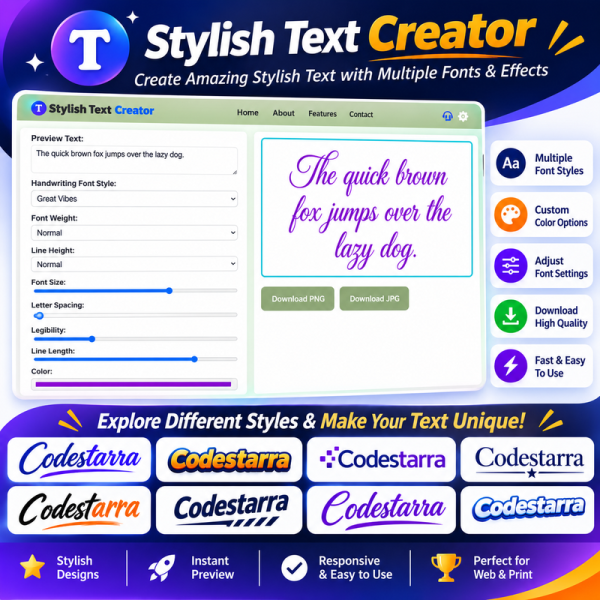
Create stylish text with multiple handwriting fonts using this PHP-based Stylish Text Generator. Customize font size, weight, line height, letter spacing, and text color, preview your design instantly, and download it as PNG or JPG.
Give ordinary text a creative and attractive appearance with the Fancy Text Generator PHP Script, a customizable text styling application designed for creating beautiful handwriting-style and decorative text designs.
This application allows users to enter their own words, explore multiple handwriting font styles, adjust typography settings, customize text colors, and see the results in an interactive preview area. Once the design is ready, users can download the generated text image in PNG or JPG format.
Whether you want to create elegant cursive lettering, handwritten-style designs, decorative typography, or customized text graphics, this Fancy Text Generator brings essential text customization options together in one convenient interface.
Create Beautiful Text with Multiple Font Styles
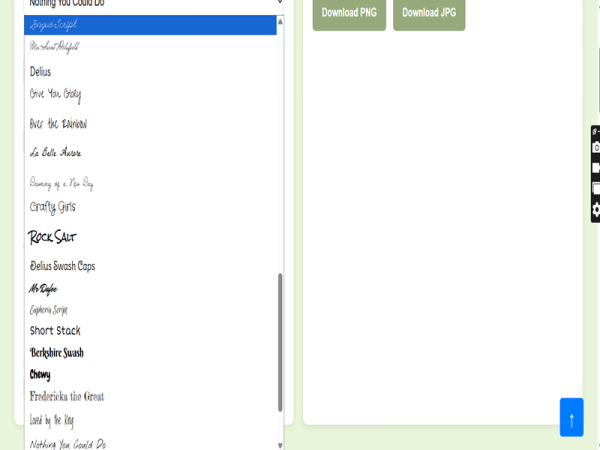
Give your words a distinctive appearance by selecting from the available handwriting and decorative font styles. Experiment with different lettering appearances to create text designs that match your preferred look.
The font selection feature makes it easier to explore different typography styles without manually creating each design in a graphic editing application.
Font styling benefits:
Explore multiple handwriting font styles.
Create decorative and attractive text appearances.
Experiment with different lettering designs.
Preview selected font styles before downloading.
Change the selected style whenever you want.
Enter and Customize Your Own Text
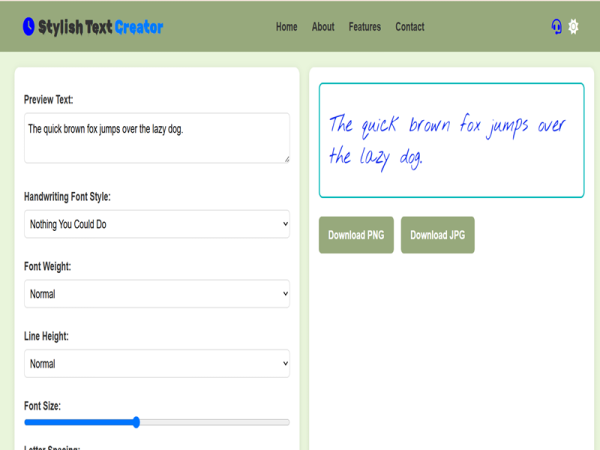
The application includes a dedicated text input area where users can enter their own content. You can edit the text and see the result in the preview section.
Use it to experiment with names, short phrases, headings, messages, creative words, and other text content.
Text input functionality:
Enter custom text.
Edit existing text.
Preview your text design.
Experiment with different font styles.
Customize the appearance of your content.
Live Text Preview
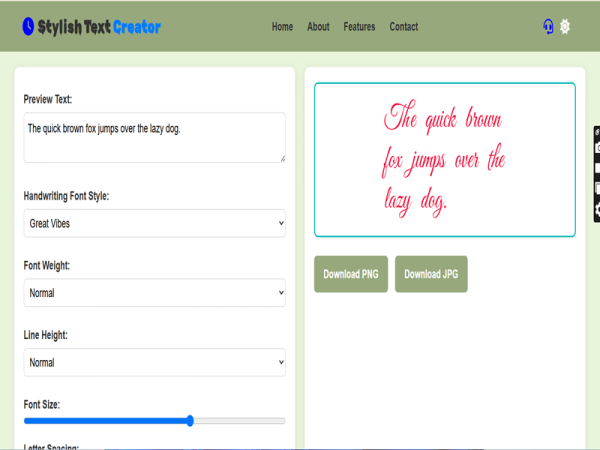
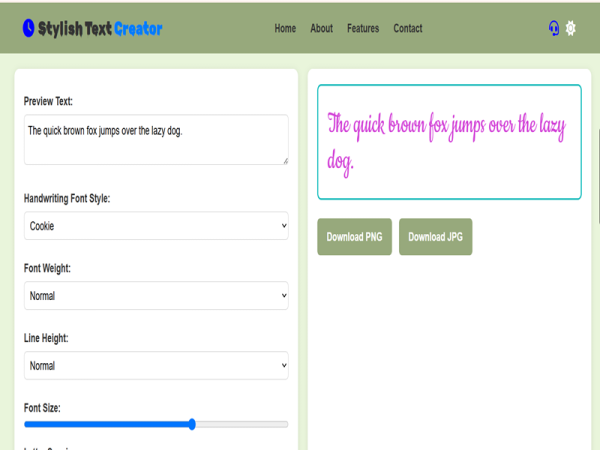
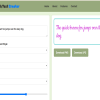
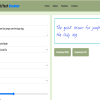
See how your text looks while adjusting its appearance. The preview area displays the selected typography style and customized text, helping users make changes before exporting their final design.
The side-by-side layout keeps the customization controls and preview area easy to access.
Preview advantages:
View your customized text.
Check different handwriting styles.
Observe typography adjustments.
Review text color and appearance.
Prepare your design before downloading.
Advanced Font and Typography Customization
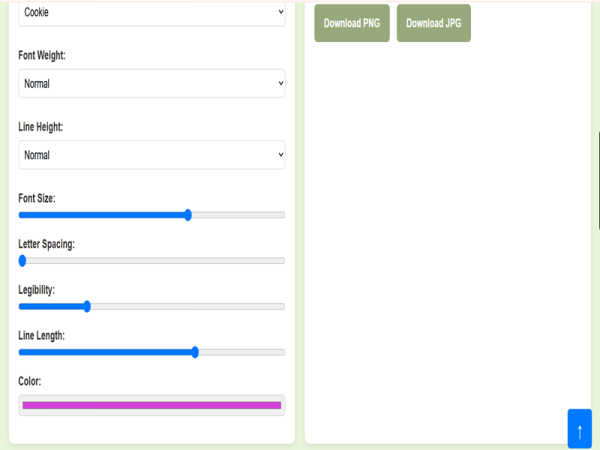
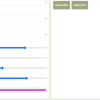
Create a more personalized text appearance with the available typography controls. Adjust individual settings to experiment with different text sizes, spacing, and visual styles.
Font Size Adjustment
Increase or decrease the text size to create larger or smaller lettering according to your design requirements.
Font Weight Control
Choose the available font weight setting to customize the appearance of your selected typography.
Line Height Adjustment
Control the vertical spacing between lines to improve the arrangement of multi-line text.
Letter Spacing
Adjust the spacing between individual letters to create tighter or more widely spaced typography.
Legibility Control
Use the available legibility adjustment to customize the text presentation.
Line Length
Adjust the line-length setting to change how your text is arranged within the preview area.
Custom Text Color
Choose your preferred color using the color selection control. Experiment with different colors to create text designs that suit your project.
Download Text Designs in PNG and JPG
After customizing your text, save the finished design using the available download options.
PNG Image Download
Export your customized text design in PNG format for compatible digital projects.
JPG Image Download
Save your finished text preview in JPG format for convenient use in supported applications and creative materials.
Having two image export options gives users flexibility when saving their completed text designs.
Easy-to-Use Text Generator Interface
The application provides an organized interface with customization settings on one side and a dedicated text preview on the other.
Users can enter text, select a font, adjust typography, choose a color, and export their design without navigating through complicated menus.
Its straightforward workflow makes it suitable for beginners, content creators, designers, and website visitors.
Main Features at a Glance
Multiple handwriting font styles.
Fancy and decorative text styling.
Custom text input and editing.
Interactive text preview.
Font style selection.
Font weight customization.
Adjustable font size.
Line height control.
Letter spacing adjustment.
Legibility setting.
Line length adjustment.
Custom text color picker.
PNG image export.
JPG image export.
Organized customization interface.
PHP-based web application source code.
Practical Uses of a Fancy Text Generator
This text generator can support different creative and website-related activities.
Graphic Design Projects: Create decorative text designs for compatible graphic design projects.
Social Media Graphics: Prepare customized text images for use in social media posts and other visual content.
Website Content: Create styled text graphics for websites, blogs, and digital content.
Creative Typography: Experiment with handwriting fonts, cursive lettering, and decorative text appearances.
Personalized Text Designs: Style names, short messages, headings, and phrases with different font and color combinations.
Content Creation: Prepare attractive text visuals for digital publishing and creative projects.
Who Can Benefit from This Application?
This PHP source-code product can be useful for:
Website owners who want to offer a text styling application.
Web developers interested in customizable PHP applications.
Graphic designers who create text-based visual content.
Bloggers and content creators preparing digital graphics.
Social media creators designing text images.
Entrepreneurs building online generator websites.
Developers who want a starting point for a text customization project.
Technical Information
Product Name: Fancy Text Generator PHP Script Application Type: Text Generator / Font Customization Web Application Backend Technology: PHP Frontend Technologies: HTML5, CSS3, JavaScript Download Format: ZIP source-code package Image Export Formats: PNG and JPG
The product is supplied as a PHP-based application package. The included files and any required dependencies determine the exact hosting and installation requirements.
Digital Product Delivery Information
Product Type: Digital Download Package Format: ZIP Application: Fancy Text Generator Source Code: PHP-based web application Delivery: Download after successful purchase through Codestarra.
Purchase this Fancy Text Generator PHP Script to add a stylish text customization application to your website or use the included source code as a starting point for your own web project.